
 EN
EN

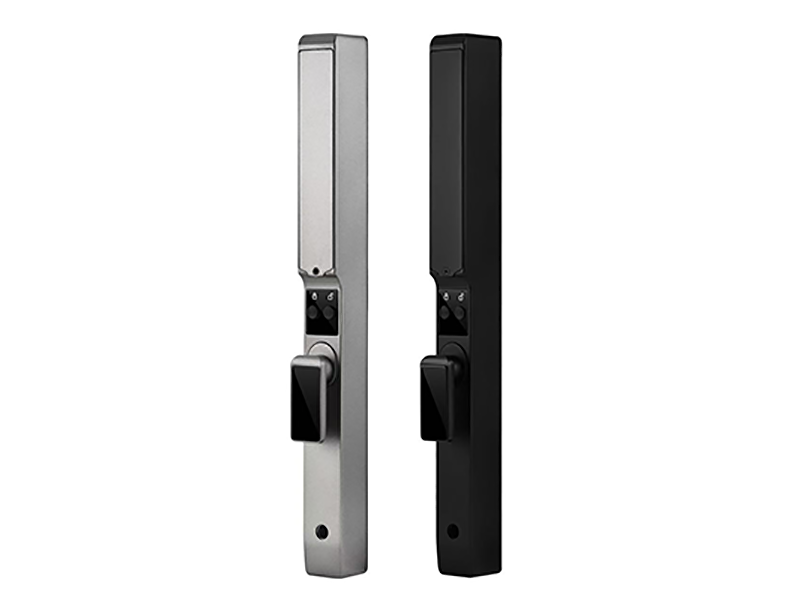
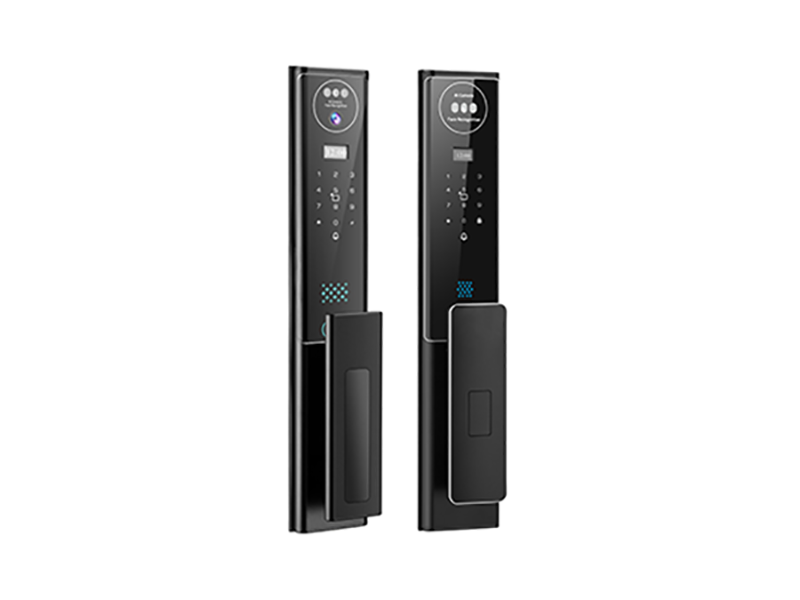
It's the question every smart lock shopper eventually asks: what happens when the power goes out or the Wi-Fi drops? The fear is easy to picture—you're standing in the rain, the house is dark, and the door won't budge. The reality is far less dramatic. A smart lock never depended on your home's electricity or internet in the first place. Here's what actually happens to a smart lock during an outage, and how to make sure you're never locked out when one hits.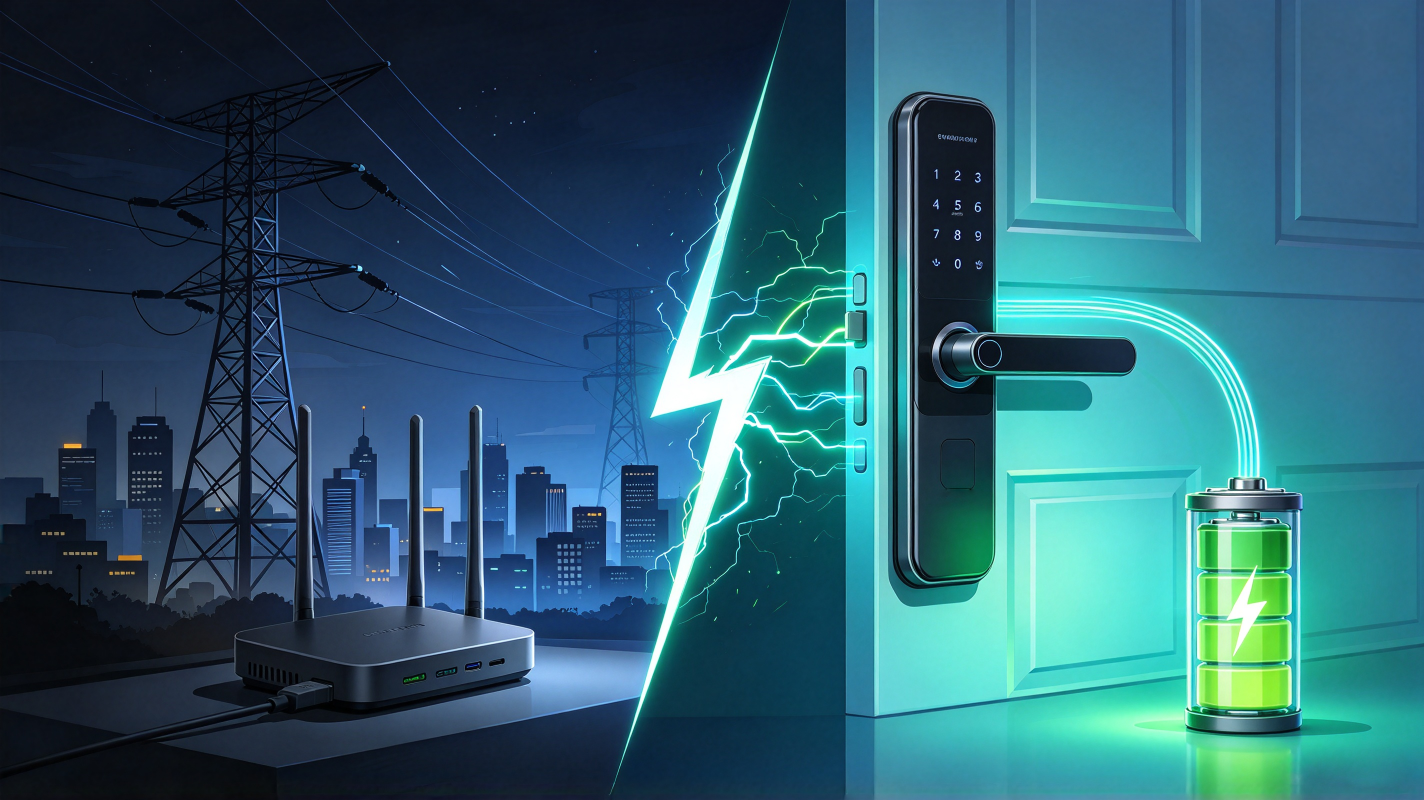
Why a Power Outage Doesn't Stop Your Smart Lock
Smart locks run on batteries, not household power. Four AA cells or a rechargeable pack inside the lock powers the fingerprint sensor, the keypad, the motor, and the chip that controls all of it. When a storm knocks out your neighborhood's electricity, the lights go out but the lock keeps working exactly as before—fingerprint, PIN, and physical key all function normally.
This is a deliberate design choice. A front door lock is a safety-critical device, so manufacturers power it independently of the grid. As long as the batteries have charge, the lock operates at full strength whether the power has been out for ten minutes or ten days.
What Actually Stops Working: Remote Features
While the lock itself keeps working, an internet outage does take one thing offline: remote control. If your router loses power or your fiber line is cut, the lock can no longer talk to the app on your phone, so remote unlocking, real-time notifications, and activity logs pause until the connection returns.
Notice what's still on that list of things that keep working: the fingerprint sensor, the keypad, the mechanical key, and the auto-locking mechanism. Everything you physically do at the door is processed locally on the lock's own chip. Cloud features are a convenience layer, not the foundation—the door's security doesn't hinge on an internet connection.
When the Connection Comes Back
Here's the part that surprises people: you lose nothing during the outage except real-time view. Most smart locks store unlock events in local memory while offline, then sync the log to the app once the network recovers. Your entry history isn't lost—it's just delayed by however long the outage lasts.
For the lock's security core, nothing needs to recover at all. Fingerprints and PINs are verified on the lock itself, so there's no cloud round-trip to restore. If you've disabled notifications you'll miss alerts during the outage, but a would-be intruder gains nothing from your router being down.
Dead Batteries: The Outage You Can Actually Control
The more realistic version of "what if the lock stops working" isn't a blackout—it's a battery that quietly drained while you ignored the warnings. This is the scenario worth preparing for, and it's entirely preventable.
Every quality smart lock warns you well in advance: the app pushes a low-battery alert when there's weeks of charge left, and most models flash a red indicator or beep on each unlock. Replace batteries when the first warning arrives and the question never becomes urgent. For true peace of mind, choose a lock with an emergency power option—a USB-C port on the bottom of the keypad lets you touch a power bank to the lock and wake it up long enough to unlock, even if the batteries are completely dead. Combined with the hidden mechanical keyhole, you have three independent ways in.
How to Outfit-Proof Your Front Door
A few habits make outages a non-event. Keep spare batteries in a drawer and swap them when the app warns you. Store the emergency key somewhere outside the house but not under the doormat—a trusted neighbor, a key lockbox, or your wallet. Write down your PIN as a neutral backup for wet or injured fingers. And if storms are common in your area, test the lock after each outage; it should behave exactly the same as before.
What to Look For If Outages Worry You
When shopping, three features define how gracefully a lock handles outages. Battery power with an early low-battery alert is the foundation. An emergency USB-C power port covers the dead-battery worst case. And local fingerprint and PIN verification—rather than cloud-only authentication—means the door opens on the spot whether or not the internet exists. A mechanical key backup completes the picture. Locks that check all these boxes treat a blackout as a boring Tuesday, which is exactly what you want from a security device.
Conclusion: The Lock Stays, the Cloud Pauses
During a power or internet outage, your smart lock's essential functions carry on untouched: fingerprints, codes, and keys all work at the door, and the locking mechanism never loses power because it never used yours. Only the remote-control extras pause, and they resume the moment your router blinks back to life. Choose a battery-powered lock with local authentication and an emergency power port, keep fresh batteries installed, and the next storm that darkens your street won't darken your doorstep.