
 EN
EN
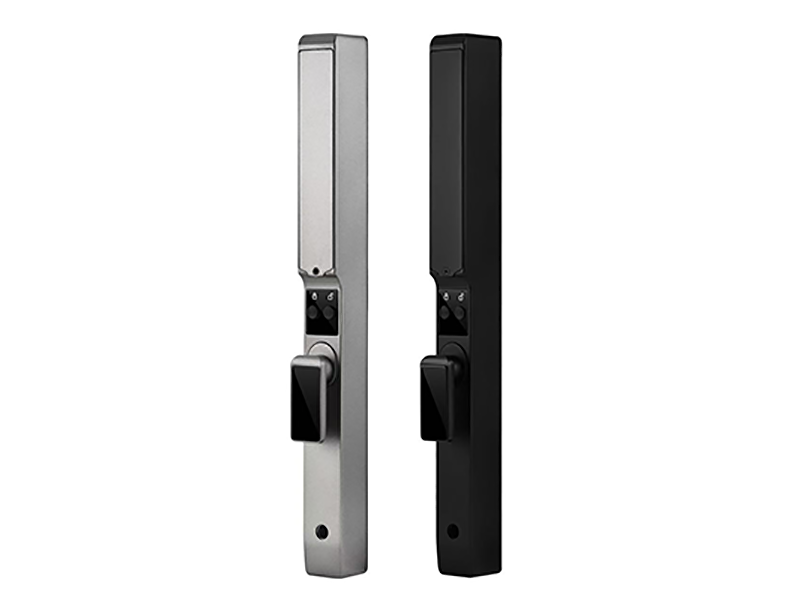
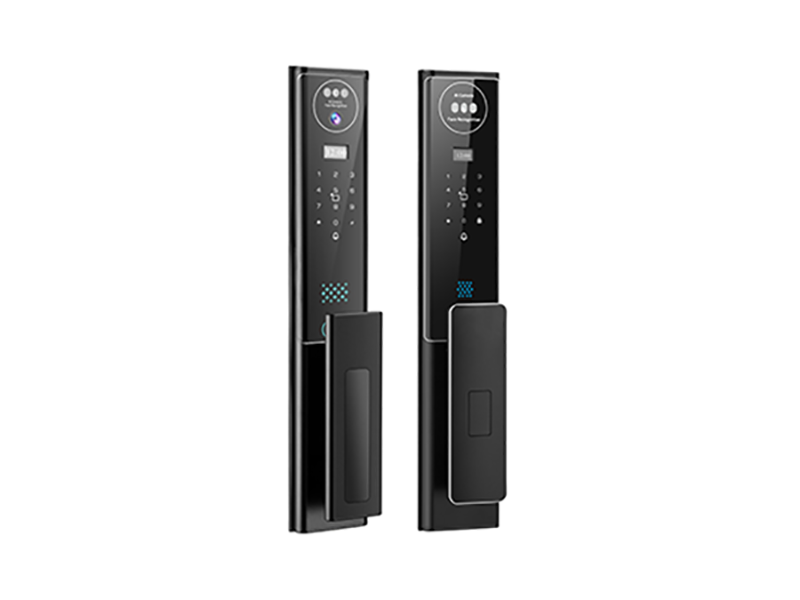
Smart locks act as the first line of defense for modern home security, greatly enhancing the convenience of our lives—completely bidding farewell to the awkwardness of forgetting keys, and enjoying the thrill of unlocking in seconds via fingerprint, password, or facial recognition. However, behind this "intelligence," many users have encountered this embarrassing scenario: standing at the door, no matter how you verify, the smart lock simply doesn't respond, or even emits a harsh low-power warning.
Even worse, because the batteries are completely drained, you have to seek help from a locksmith company, which is not only expensive but also severely affects your mood. In fact, as long as you master the correct common sense of battery selection and maintenance, you can completely prevent batteries from holding back your smart locks. Today, we are going to deeply reveal the truth about smart lock battery life and power supply.
1. How "Power-Hungry" are Smart Locks Actually?
Many people have misunderstandings about smart locks, thinking that they must be "power hogs" because they have many functions and bright screens. Actually, this is not the case. The core circuit board of a smart lock has extremely low power consumption in standby mode, and most of the time it is "sleeping." The main power-consuming scenarios are concentrated on:
1. Motor Work: Every time you unlock or lock, the motor needs to drive the bolt movement, which is the most major source of power consumption.
2. Biometric Module: Fingerprint heads (especially semiconductor fingerprints), facial recognition cameras, and infrared sensor lights require instantaneous large current when working.
3. Networking and Communication: Smart locks that support WiFi, Zigbee, or Bluetooth functions need to regularly maintain communication with the gateway or mobile app, which continuously consumes tiny amounts of power.
Generally speaking, a mainstream dry battery smart lock on the market, under normal usage frequency (about 10 opening and closing times per day), the battery life of a set of batteries is usually between 8 and 12 months. If your lock runs out of power in three or five months, it is mostly due to usage habits or battery selection issues.
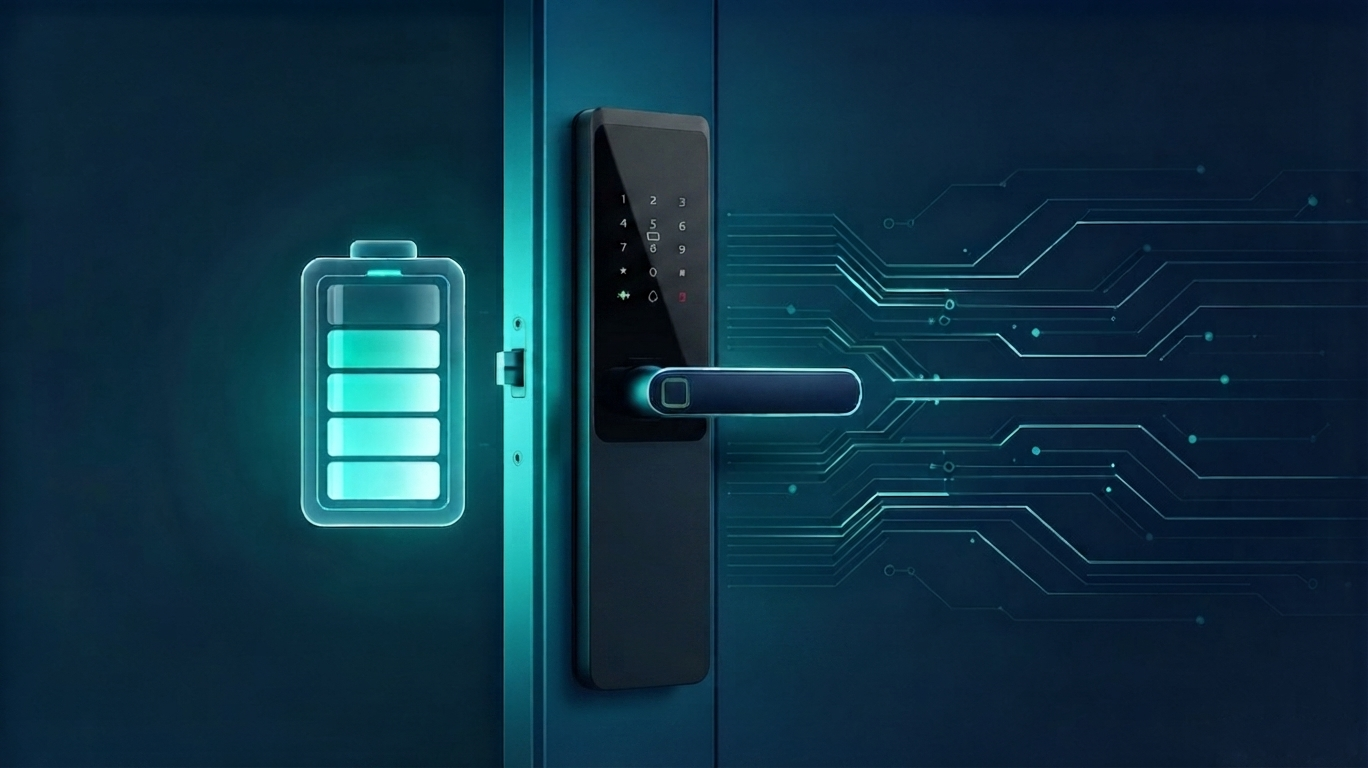
2. The Great Knowledge of Battery Selection: Alkaline vs. Lithium-Iron
This is the "pit" that many users are most likely to fall into. The cheap carbon-zinc batteries commonly seen everywhere in supermarkets (such as the common white or blue-skinned batteries) have large internal resistance and small capacity, and must absolutely not be used for smart locks, as they easily cause the voltage to drop instantly, causing the lock to frequently report errors or fail to start the motor.
Currently, the main and recommended battery types are mainly two kinds:
1. High-Quality Alkaline Batteries
* Advantages: Easy to buy, moderate price, mature technology.
* Disadvantages: Performance decreases in low-temperature environments; voltage drops linearly after long-term use; there is an extremely small risk of leakage, and once leaked and corroded the circuit board, the entire lock may be scrapped.
* Advice: Be sure to choose new batteries within the shelf life, and do not mix old and new batteries.
2. Lithium-Iron Batteries
* Advantages: The best partner for smart locks. Constant voltage output, the voltage is very stable until the battery runs out; extremely large capacity, the battery life is usually more than 1.5 times that of alkaline batteries; resistant to high and low temperatures, no leakage.
* Disadvantages: Price is slightly higher.
* Advice: Although the unit price is high, considering the comprehensive replacement frequency and safety, the cost-effectiveness is actually higher, especially suitable for high-power consumption lock types such as facial recognition.
Especially Warn: Never try to use rechargeable 1.5V lithium batteries or 1.2V NiMH batteries. Because the cut-off voltage of this type of battery does not match the low-voltage alarm threshold of the smart lock, it is very easy to appear that the battery is low as soon as it is fully charged and installed, or the lock cannot provide enough voltage to unlock when the battery is drained.
3. Lithium Battery Charging Models: More Worry-Free or More Anxious?
Now, many high-end locks on the market, especially fully automatic push-pull locks, are popular to use detachable rechargeable lithium batteries (usually 3000mAh - 5000mAh).
* Advantages: Environmentally friendly, no need to buy batteries frequently; stable voltage, strong power, can well support the large-torque motor of the fully automatic lock body.
* Hidden Dangers: Once the battery ages, the battery life will plummet. More seriously, when the lithium battery is completely drained, the lock may not work at all. At this time, you must remove the battery to charge it, during which time the home is "undefended," or you can only rely on emergency power banks and mechanical keys.
If you choose a lithium battery model, it is recommended to charge it as soon as the low-power alarm goes off, or consider buying a spare battery to rotate usage.
4. Encounter a Power Outage? Master These Emergency Self-Rescue Guides
Formal brand smart locks are compulsorily equipped with emergency power supply solutions, just in case.
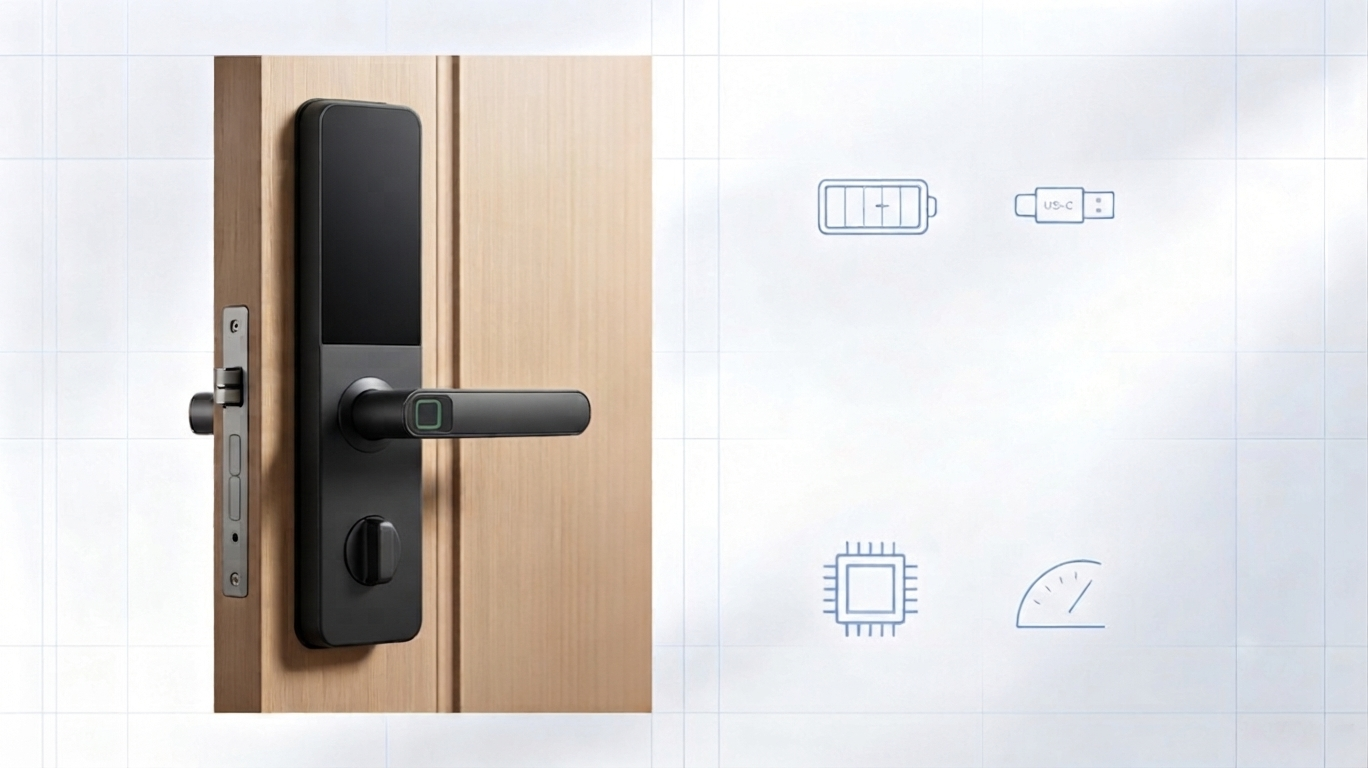
1. USB Emergency Charging Port: This is currently the most popular solution. When the battery is completely drained, observe the bottom of the smart lock or below the front panel, there usually will be a Type-C or Micro USB interface. Find a common mobile power bank and plug it in, after supplying power for a few seconds, the keyboard will light up, and you can unlock it in the normal way. Remember, don't keep the power bank at home all the time.
2. Mechanical Keys: This is the final physical line of defense. The national standard requires that smart locks must be equipped with a mechanical keyhole with a Class C lock cylinder. Key common sense: The spare key must be placed in the office, parents' home, or car, never locked at home!
How to Extend Smart Lock Battery Life?
1. Mixing Batteries is a Big Taboo: Mixing batteries of different brands, and different new and old degrees, will lead to inconsistent battery internal resistance, seriously affecting lifespan or even causing leakage.
2. Pay Attention to Low-Temperature Environment: If it is in the cold outdoors in the north, the performance of alkaline batteries will be greatly reduced, and shortened battery life is normal.
3. Pay Attention to Low-Voltage Alarm: When the smart lock prompts "Low battery, please replace the battery," please replace it as soon as possible, do not delay.
4. Choosing the Right Battery is the Key: Recognize big-brand alkaline batteries, or go one step further and choose high-performance lithium-iron batteries.
Don't let small batteries hold back the smart lock. Choose the right battery and use it correctly to make smart life truly worry-free!