
 EN
EN
Press a finger, type a code, and the door opens—no key, no turning, no effort. It feels like magic, but a smart lock is really a small robot wrapped around a traditional deadbolt: a battery, a brain, a motor, and a clutch working together in the space of a second. Understanding how the pieces fit together helps you choose a better lock and troubleshoot one with confidence. Here's what actually happens between your fingertip and the open door.
The Anatomy: Battery, Brain, Motor, Clutch
Every smart lock contains four core parts. The battery pack—usually four AA cells—supplies power for months at a time. The control board is the brain: a low-power chip that stores your fingerprints and codes and decides when to unlock. The motor does the physical work, driving the lock's tongue or deadbolt in and out. And the clutch sits between the motor and the outside handle, deciding whether your pull should turn the mechanism or spin freely.
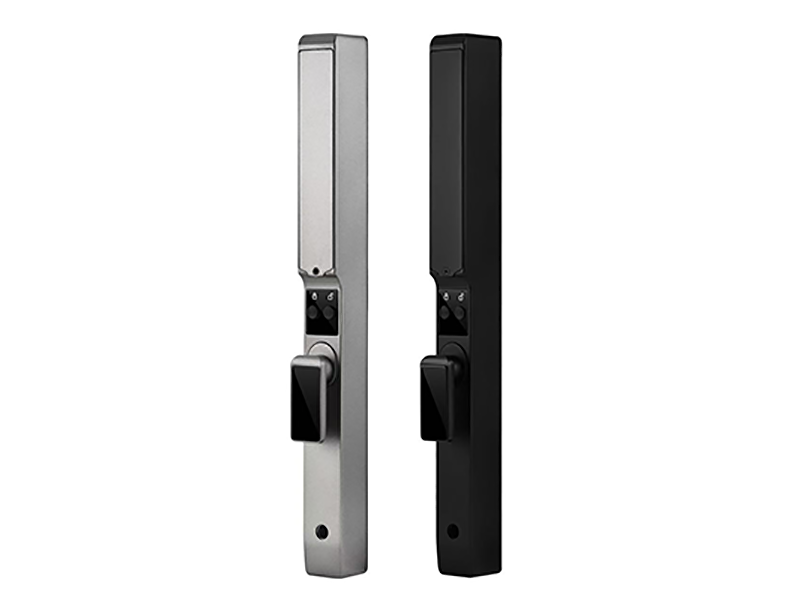
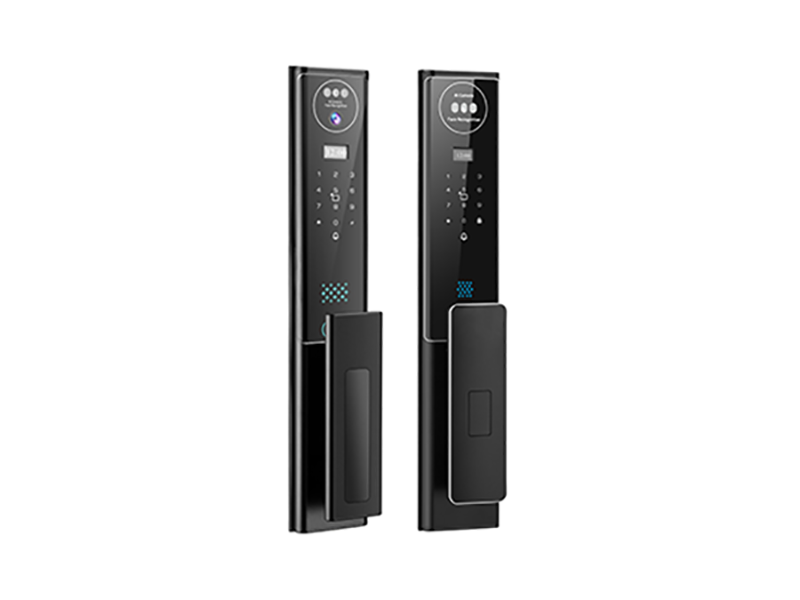
Around those parts sit the interfaces you actually touch: a fingerprint sensor, a backlit keypad, and—on the inside—a manual thumbturn that always works without electronics. The outside panel handles input; the inside panel handles power and the mechanical override.
How a Fingerprint Sensor Actually Reads You
Most smart locks use a semiconductor fingerprint sensor, the same family of technology found in phones. When you press your finger on the window, thousands of microscopic capacitive plates measure the tiny electrical differences between the ridges of your skin and the valleys between them, producing a detailed map of your unique ridge pattern.
The lock's chip then extracts the pattern's key features—the points where ridges end, split, or form islands—and converts them into an encrypted mathematical template. That template, not an image of your finger, is what gets stored. When you press the sensor again, the lock compares the fresh template against the enrolled ones and makes a match decision in well under a second.
What Happens When You Type a Code
The keypad is the simplest interface and the most local one. Once you've entered a full code, the chip compares it against the PINs stored in memory. There's no internet lookup and no delay—if the code matches, the motor actuates immediately. If it doesn't, the keypad resets after a short pause, and repeated failures can trigger a temporary lockout so nobody can brute-force their way in.
Because verification happens on the lock itself, the keypad works just as fast on day 300 as on day one, whether or not your home Wi-Fi is up.
The Clutch: Why Yanking the Handle Doesn't Help
Here's the clever mechanical trick inside every well-designed smart lock. The exterior handle isn't rigidly connected to the bolt. When the door is locked, the clutch is disengaged: pulling or twisting the outside handle spins harmlessly without moving the deadbolt. Only when the chip verifies your fingerprint or code does the motor engage the clutch, connecting handle to bolt for that single authorized turn.
This design closes the classic weakness of keyed locks, where the outside cylinder is always mechanically connected to the bolt and attackers can exploit that linkage. With a clutch in the path, force applied to the outside handle has nothing to grab. Combined with a hardened lock body inside the door, the smart part of the lock and the strong part of the lock protect each other.
How a Lock Runs for Months on Four Batteries
A smart lock spends almost its entire life asleep. Between uses, the chip drops into a microamp-level sleep state where only a tiny wake-up circuit watches for a finger on the sensor or a key on the keypad. The motor—the only genuinely power-hungry part—runs for about a second per unlock. Even daily use amounts to a few seconds of motor time per week.
That's why four AA batteries routinely last six months or more, and why the low-battery alert you eventually see is measured in weeks of remaining life, not hours. Good locks also use conformal-coated circuit boards to survive humidity and temperature swings inside the door.
Where Wi-Fi and Apps Fit In
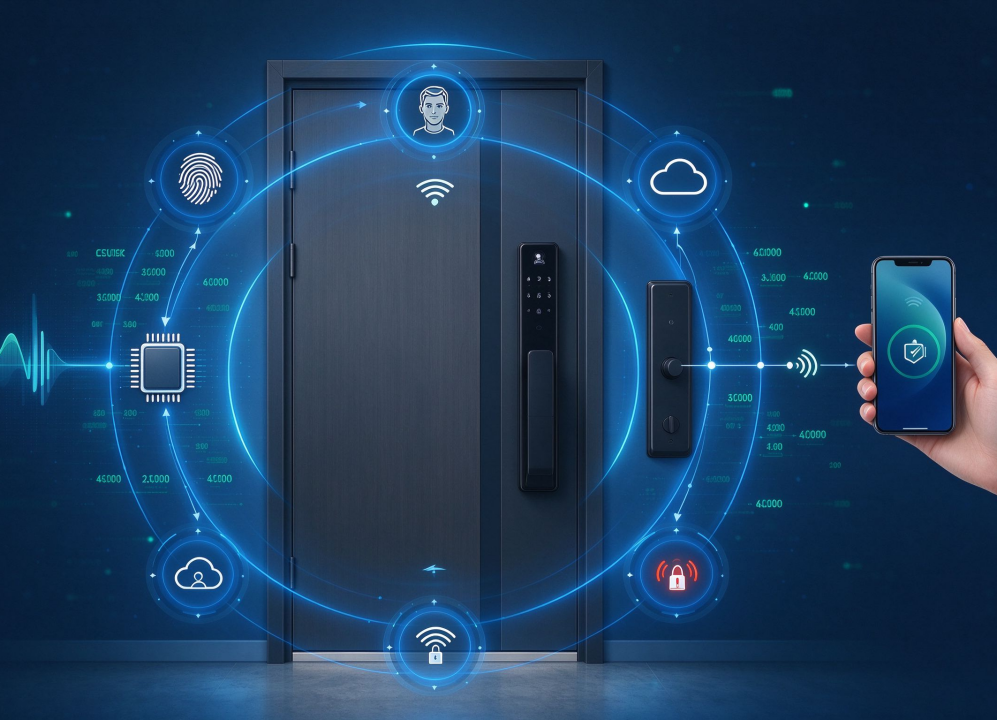
Notice what hasn't appeared yet: the internet. Fingerprints, codes, the motor, and the clutch all work entirely inside the lock. Wireless connectivity is an optional layer on top—a small radio that relays status to your phone, pushes low-battery alerts, and lets you check the door remotely. When your network is down, you lose that layer and nothing else.
This division of labor is the hallmark of a mature smart lock: security and daily operation are local, fast, and independent, while convenience features ride on top when the network happens to be available.
Simple Parts, Careful Engineering
A smart lock isn't one technology but a chain of them: a sensor that turns your fingertip into numbers, a chip that verifies those numbers locally, a motor that answers only to the chip, and a clutch that makes forced turns pointless. Together they replace two hundred years of keys with a decision that takes half a second—not magic, just careful engineering you never have to think about.